Tips for Microsoft ToDo

I was seeing a blog post of Thomas Maurer about how you could do planning with Azure DevOps and Microsoft ToDo.
How I Manage and Plan Tasks as a Remote Worker ✔ https://t.co/iQLz64lxyZ #WFH #RemoteWork #WorkRemote #TaskManagement #PowerApps #AzureDevOps #MicrosoftToDo #OneNote
— Thomas Maurer (@ThomasMaurer) April 10, 2020
And then I did see that he had icons in front of the lists he made. So I google some and found in a UserVoice from ToDo out how you can do this.
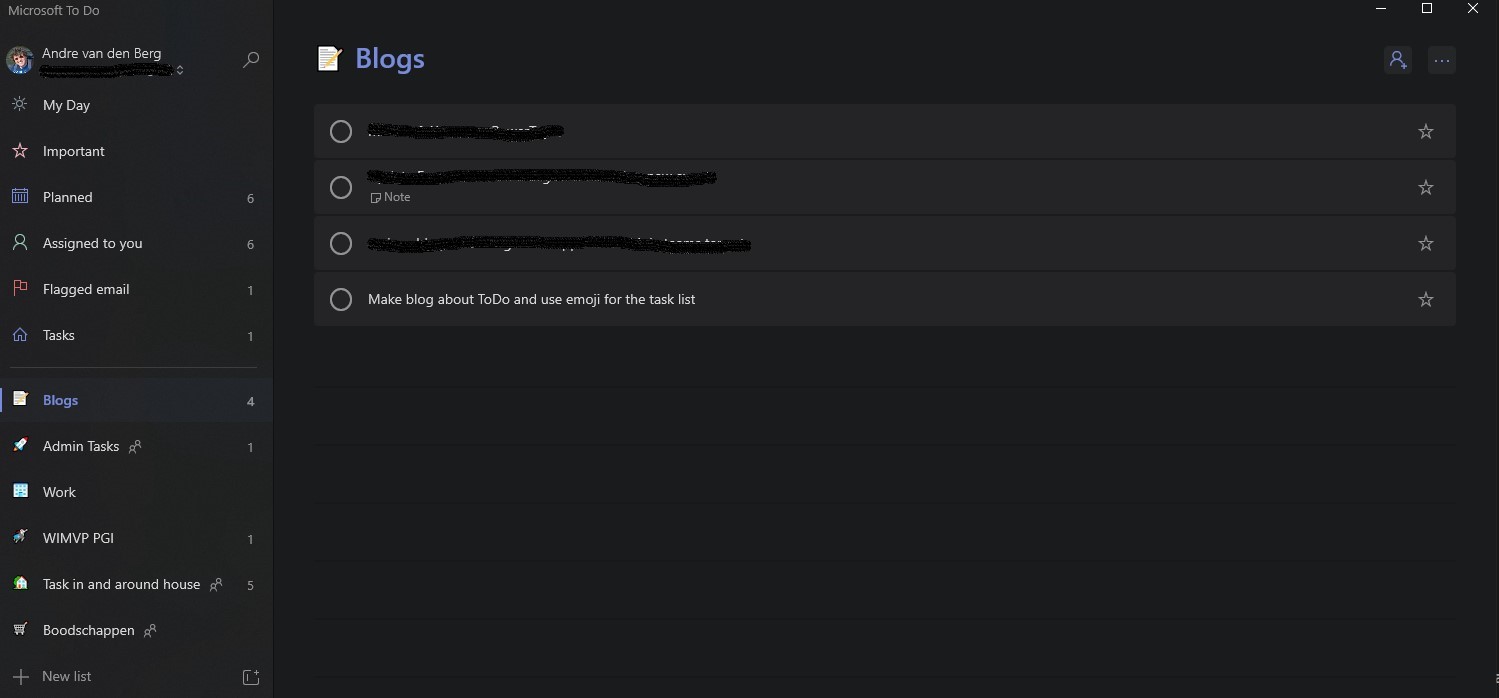
Lists with emojis
How to add icons to your list
Create a new list

Create new Lists
Then by pressing the windows +. or windows +; you get the emoji chooser.
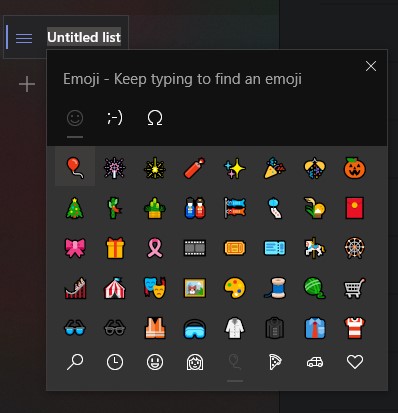
Add emoji to Lists
Now you can choose you emoji and exit the emoji chooser by clicking on the X of by pressing on the ESC key.
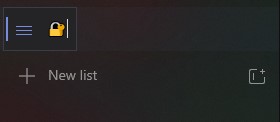
Add emoji to Lists
Type now your text and hit enter and your done. You will see that the emoji did get the icon of your ToDo list.
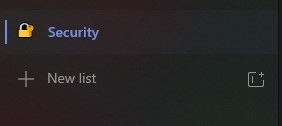
Add emoji to Lists
I wish you many creativity with the emoji as icons on your ToDo lists.